
Self-Hosting 101: What It Is, Why You Should Care, and Your First Three Services!
You already self-host your smart home — Home Assistant was your gateway drug. Here's the bigger picture: what self-hosting really means, why it's worth your weekends, and the three services that make the best first steps.

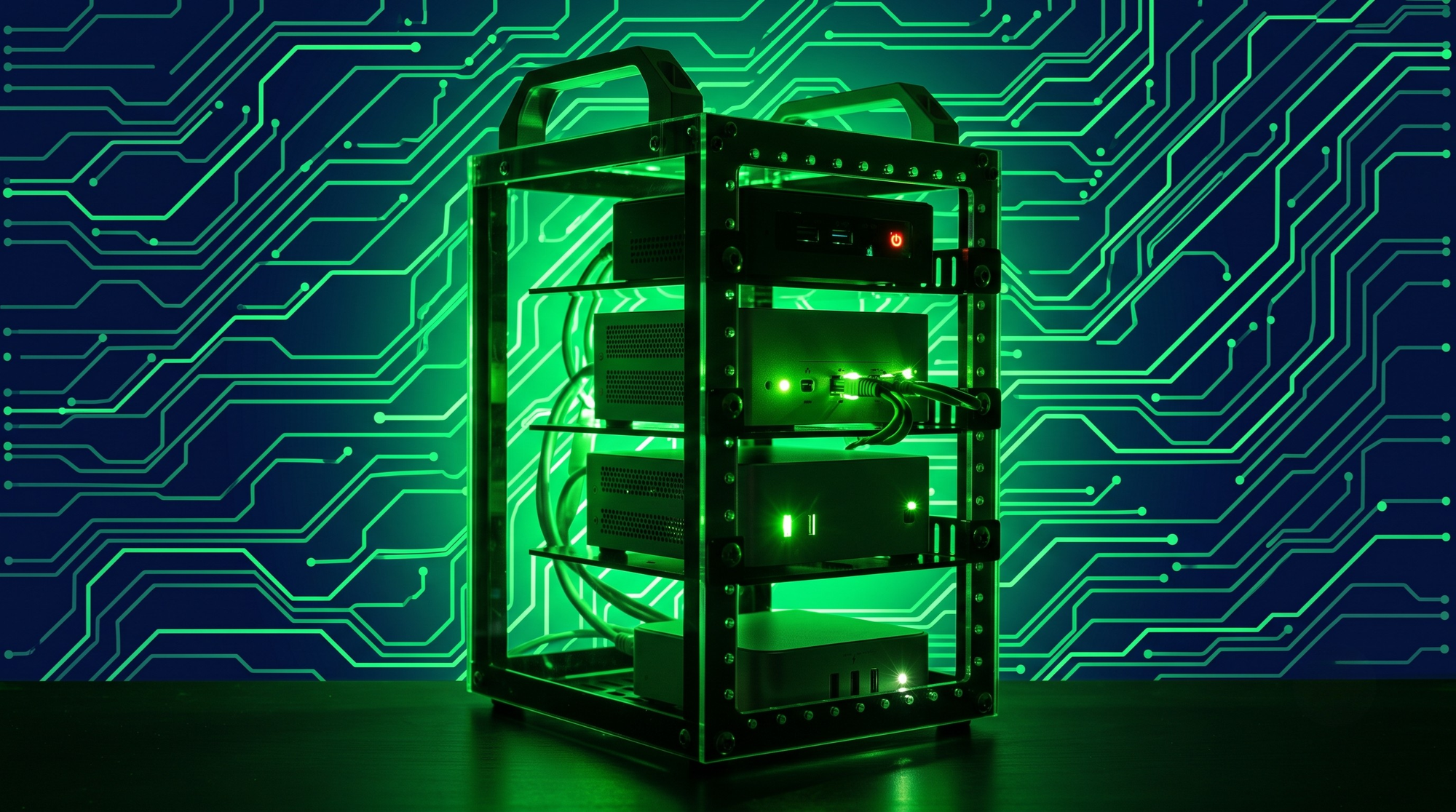
Here's a fun realization: if you run Home Assistant, you are already a self-hoster. You took a job the cloud wanted to do for you — running your smart home — and did it better on your own hardware. Local control, no subscription, works when the internet doesn't. Sound familiar?
Self-hosting is simply that same move, repeated for everything else: your photos, your files, your passwords, your notes, your media, and as this blog has been exploring lately — your AI. One service at a time, you replace a monthly bill and a privacy policy with a Docker container on a box you own.
This post is the front door to our self-hosting pillar: what it actually involves, an honest cost/benefit, and the three services we'd start with today, chosen so that each one teaches a skill the next one needs.
#homelab #minipc #cluster #techsetup #DIY #server #scifi
What Self-Hosting Actually Means
Self-hosting means running server applications on hardware you control, like a mini PC in a closet, the thin client from our SFF guide, an old desktop, or a NAS. In 2026, that almost always means Docker containers: each service is an image plus a folder of config, started by a compose file you keep in a Git repo. If you followed our Home Assistant Docker migration guide, you've already done the hard part once.
What it doesn't mean: exposing your house to the internet on day one (you shouldn't), enterprise uptime (your family will survive a reboot), or replacing everything at once (you won't, and that's fine).
Why Bother? The Three Familiar Reasons
- Privacy: Your photo library indexes faces on your hardware. Your notes, documents, and browsing history stop being someone's training data or ad profile.
- Cost: $5–15/month per cloud service adds up to real money against a one-time mini PC. We ran the math for running your own AI; it lands the same way here.
- Control: no feature removals, no price hikes, no "this service is shutting down March 1st." Your stack changes when you change it.
Plus the honest fourth reason: it's a genuinely fun hobby that teaches marketable skills. Networking, Linux, containers, backups—this is the home lab as a classroom, and the tuition is one thin client.
Your First Three Services
Chosen deliberately: each is low-risk, immediately useful to the whole household, and teaches something the next one builds on.
- Pi-hole (or AdGuard Home) — network-wide ad blocking
The classic first service is for a reason: one container, ten minutes, and suddenly every device in the house—TVs, phones, and that one tablet—loses most ads and trackers at the DNS level. It teaches you Docker basics and a little DNS, and the payoff is instant and visible.
Skill unlocked: containers and networking fundamentals.
2. Uptime Kuma — monitoring (yes, this early!)
A beautiful, dead-simple status dashboard that pings everything you run and tells you when something's down. Setting it up second is a home lab pro move: from now on, every service you add gets a monitor on day one, and you find out about problems before your family does.
Skill unlocked: thinking like an operator.
3. Immich — replace Google Photos
The first "wow" service: a gorgeous, app-equipped photo library with on-device-quality face and object search, running entirely on your hardware. It's also the first service with data you'd cry about losing — which is exactly why it's the moment you learn backups (the 3-2-1 guide, and it's not optional homework).
Full guides for each are on the schedule — but all three have excellent official docs, and honestly, you could have Pi-hole running before you finish your coffee.
Skill unlocked: volumes, databases, and backup discipline.
The Rules That Keep It Fun
- One compose folder per service, all in git. Future-you rebuilds the whole stack in an afternoon.
- Nothing exposed to the internet until you've read the remote access guide. Tailscale first, port forwards almost never.
- No backup, no data. If a service holds anything you'd miss, it gets a backup job before it gets a bookmark.
- Boring hardware, boring OS. Debian or Proxmox on used business hardware. Save the excitement for the services.
Honest Trade-Offs (You Know the Drill)
You are the sysadmin now. Updates, disk space, and the 9 PM "why is the photo app down" question are yours. In practice it's a few hours a month once things settle — but it's not zero, and pretending otherwise is how people burn out and crawl back to the cloud. Start small, monitor early, back up always, and grow only as fast as it stays fun.
The Bottom Line
Self-hosting isn't a leap — it's the next stair step from where you already stand. Home Assistant proved you can run something important yourself. Pi-hole, Uptime Kuma, and Immich turn that proof into a platform, and the rest of this pillar — reverse proxies, remote access, backups, and one cloud replacement at a time — turns the platform into independence.
What was YOUR gateway service — and what's the next cloud subscription on your chopping block? Tell us below!
Build Your Digital Foundation
When setting up web hosting or routing domains for new infrastructure, a reliable registrar makes all the difference. Secure your domains and SSL certificates directly through Namecheap.
Search Namecheap Domains💡 Important Disclosure
This article contains affiliate links, which means I may earn a small commission if you click through and make a purchase—at no additional cost to you. These commissions help support the ongoing creation of helpful content like this. Rest assured, I only recommend products and services I personally use or genuinely believe can provide value to you.
Thanks for Your Support!
I truly appreciate you taking the time to read my article. If you found it helpful, please consider sharing it with your friends or fellow makers. Your support helps me continue creating content like this.
- Leave a Comment: Got questions or project ideas? Drop them below—I'd love to hear from you!
- Subscribe: For more tutorials, guides, and tips, subscribe to my YouTube channel and stay updated on all things tech!
- Shop & Support: If you're ready to get started, check out the recommended products in my articles using my affiliate links. It helps keep the lights on without costing you anything extra!
Thanks again for being part of this community, and happy building!
Binary Tech Labs
YouTube content creator that provides tech tutorials and reviews on Home Assistant, IoT devices, Raspberry Pi and other Single Board Computers